
AI Document Generation
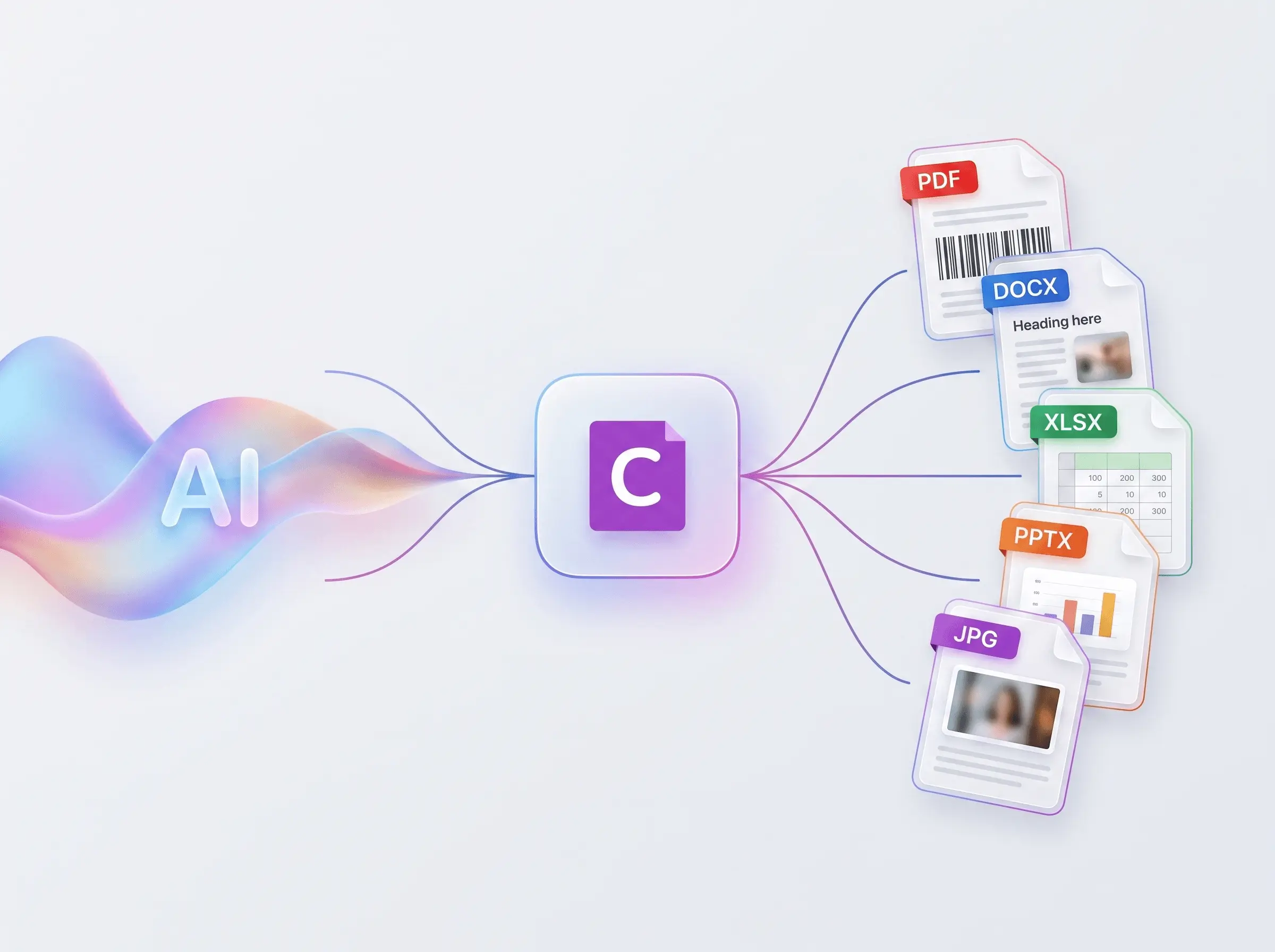
Connect your AI assistant to Carbone to design templates and generate industry-grade, on-brand PDF, Word, Excel and PowerPoint documents.
The same file, every time, at any scale.

What you can build with AI document generation
Carbone and your AI assistant cover the whole document workflow, from designing the template to shipping the final file. A few things teams build:
- Design templates with your own AI assistant, and produce documents that are always structurally valid and fully editable.
- Automate invoice, contract and report generation at scale: pull data from your services, let AI structure it, and Carbone renders the document.
- Handle complex layouts and logic: pagination, repeating headers, multi-column sections, dynamic tables, conditional content and more.
- Generate the same document in dozens of languages from one template, with locale-aware dates, numbers and currencies.
- Migrate from another tool: the AI translates the old syntax into clean Carbone tags.
- Fix or validate a template: paste a tag, get it corrected and checked before you render, no support ticket.
- Let non-technical teams produce branded, production-grade documents from a simple prompt.
The same document, every single time
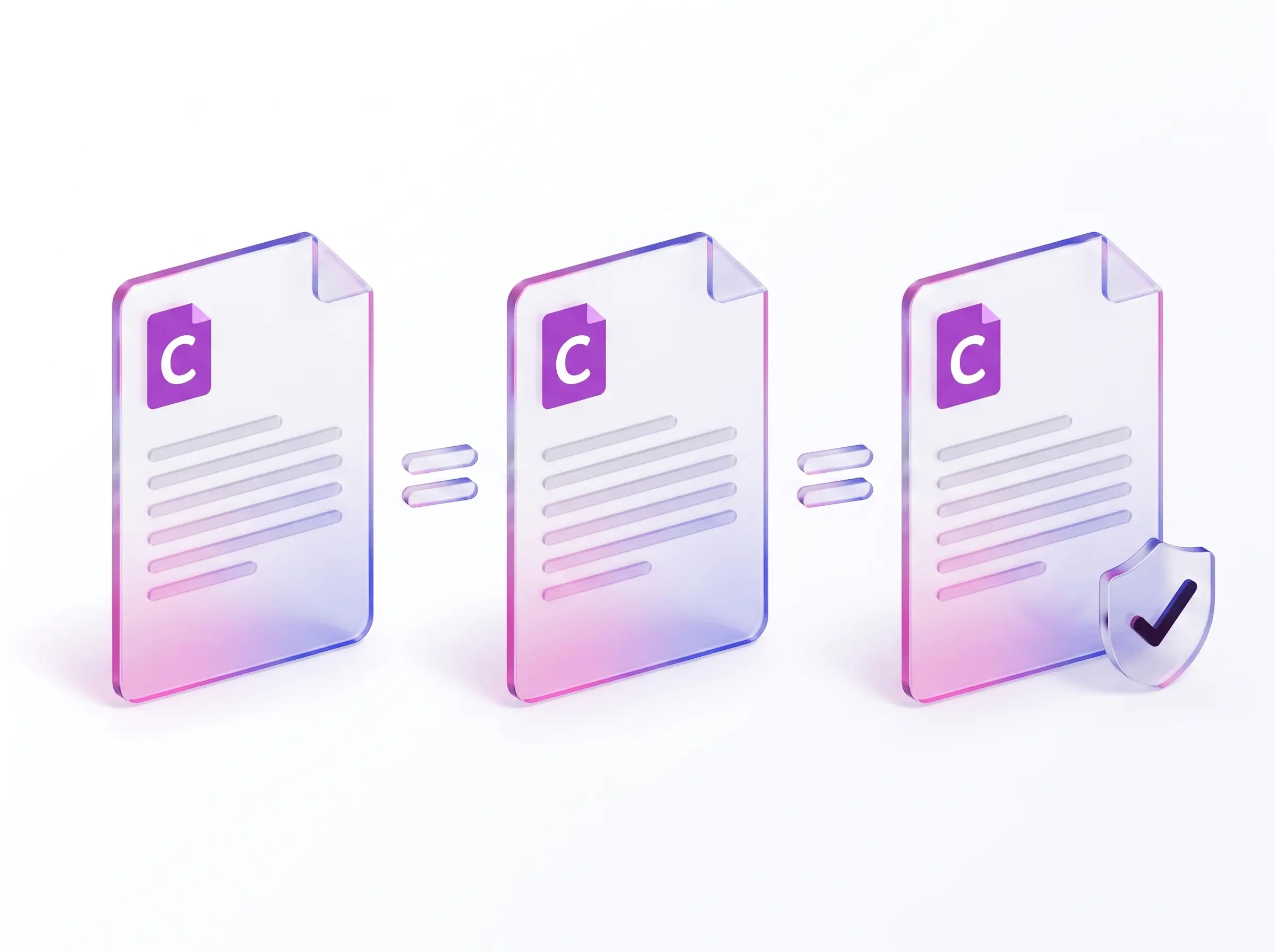
Carbone is deterministic: the same template and data always produce byte-identical output you can test, version and audit. That is what regulated workflows need, with reproducible filings, stable diffs, and clean audit trails.
Made for industrial use, Carbone has run in production for over 10 years in finance, legal, healthcare and the public sector. This is automated document generation you can trust in a pipeline.
Built for speed and efficiency
Carbone renders documents in milliseconds and scales from one to one million.
- Predictable cost per document, far cheaper than generating the file with an AI, because you pay per render, not per token.
- Built for bulk and bursts: batch jobs and traffic spikes render without slowing down.
- Benchmarked among the fastest at Office, Markdown and HTML to PDF: see the public benchmark.
You own your templates
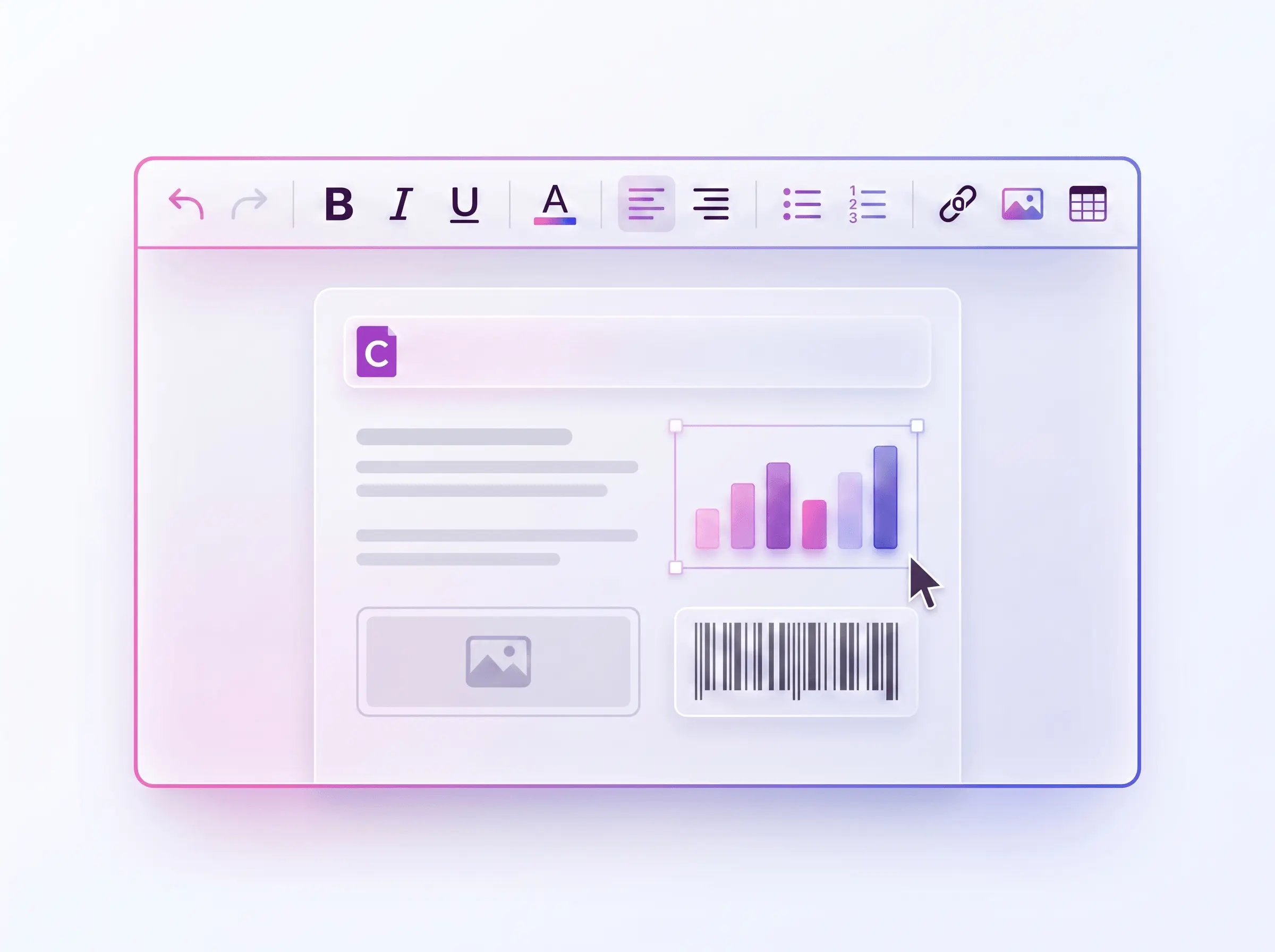
Your templates stay yours. Build them by hand in your favourite text or code editor, or draft them with the Carbone Skill and your AI. Either way, you own, review and version the design: logo, colours, legal clauses, and page setup.
Anyone on your team, technical or not, can edit them directly, without a developer round-trip.
Design templates with AI: the Carbone Skill
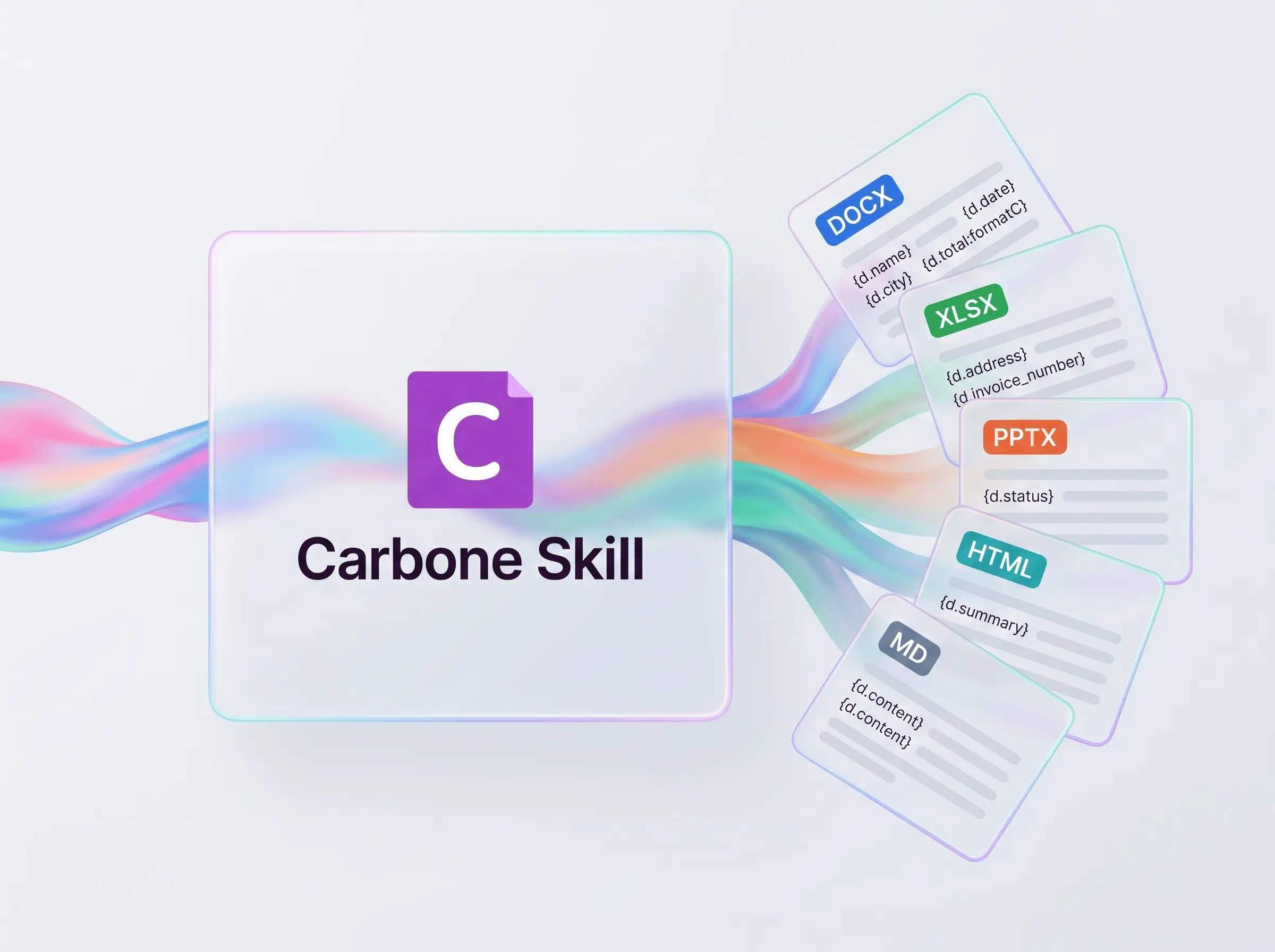
The Carbone Skill makes Claude, ChatGPT, Copilot or any other assistant an AI template generator: describe the document in plain language and it builds the Word, Excel, PowerPoint or HTML template with correct Carbone tags. Some prompts that just work:
- "Create an invoice in Word with my logo, a line-items table, VAT per line, and a total in dollars."
- "Here's the JSON my API returns: build a delivery note that matches it and lists every product with quantities."
- "Build an Excel quote where each row is a product and the totals still recalculate after the data is filled in."
- "Only show the discount row when there's actually a discount, and round every amount to two decimals."
- "Check the Carbone tags in this template, fix what's broken, and tell me what was wrong before I render."
Get it with the Carbone Agent Plugin: one install adds the Skill and the MCP server, so your assistant also renders the template with your data to check it.
Your AI agents generate the documents: the Carbone MCP server
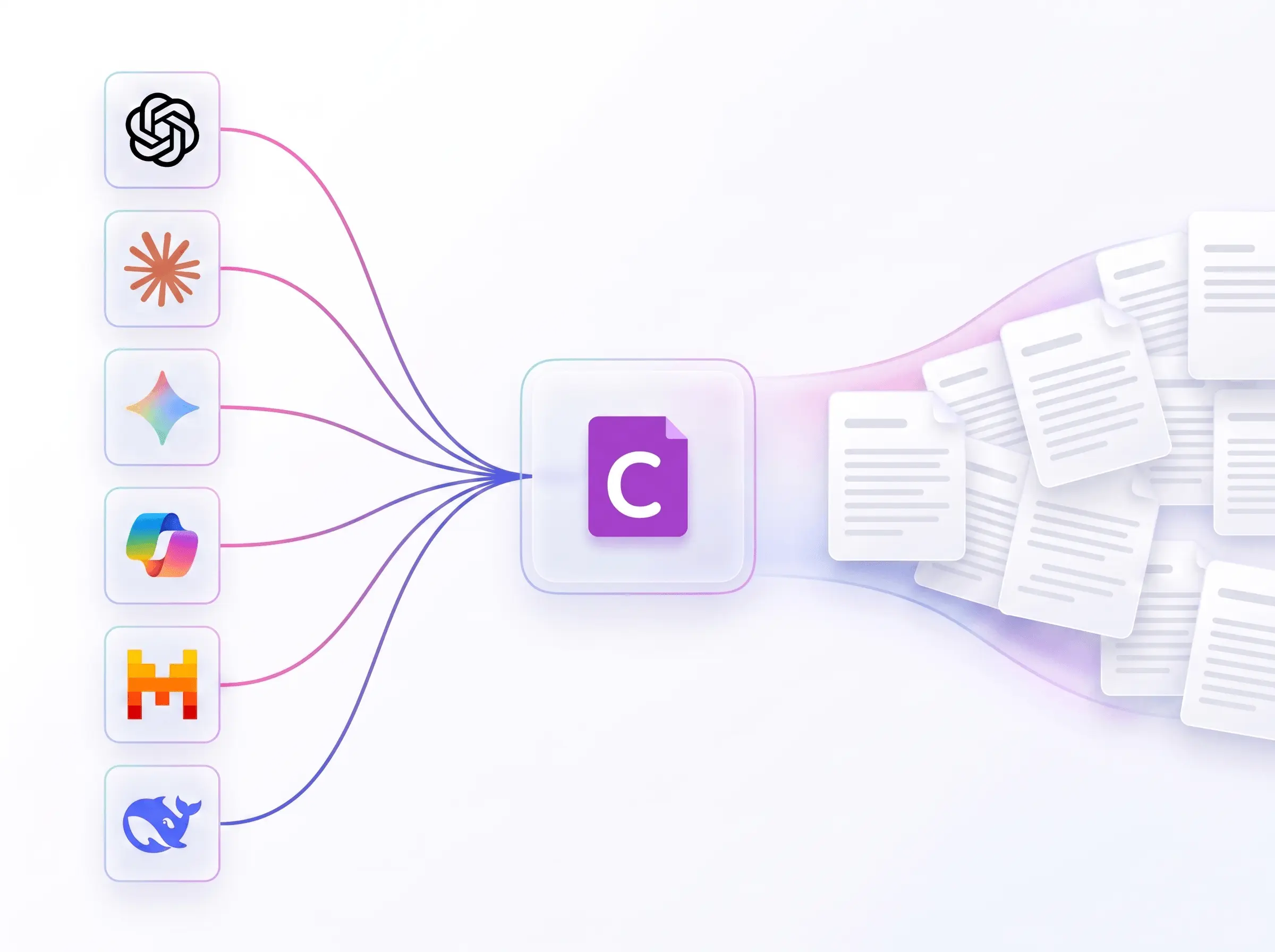
Drop Carbone into any AI agent. Through the remote MCP server, your assistant can manage templates, convert documents and render documents in natural language:
- "Pull this deal from HubSpot, generate the quote as a PDF, email it to the client, and save a copy to Notion."
- "Generate the monthly business review from our Supabase database, include the latest KPIs, export it to PDF, and save it to Google Drive."
- "Prepare a contract from this opportunity, fill in the approved legal template, render it as a PDF, and send it for signature."
This is agentic document automation: your agent designs the template once, saves it to your Carbone library, and Carbone renders every document. Automate it with AI routines, agents that run on a schedule or a trigger and produce documents end to end.
One template. Every format, every language.
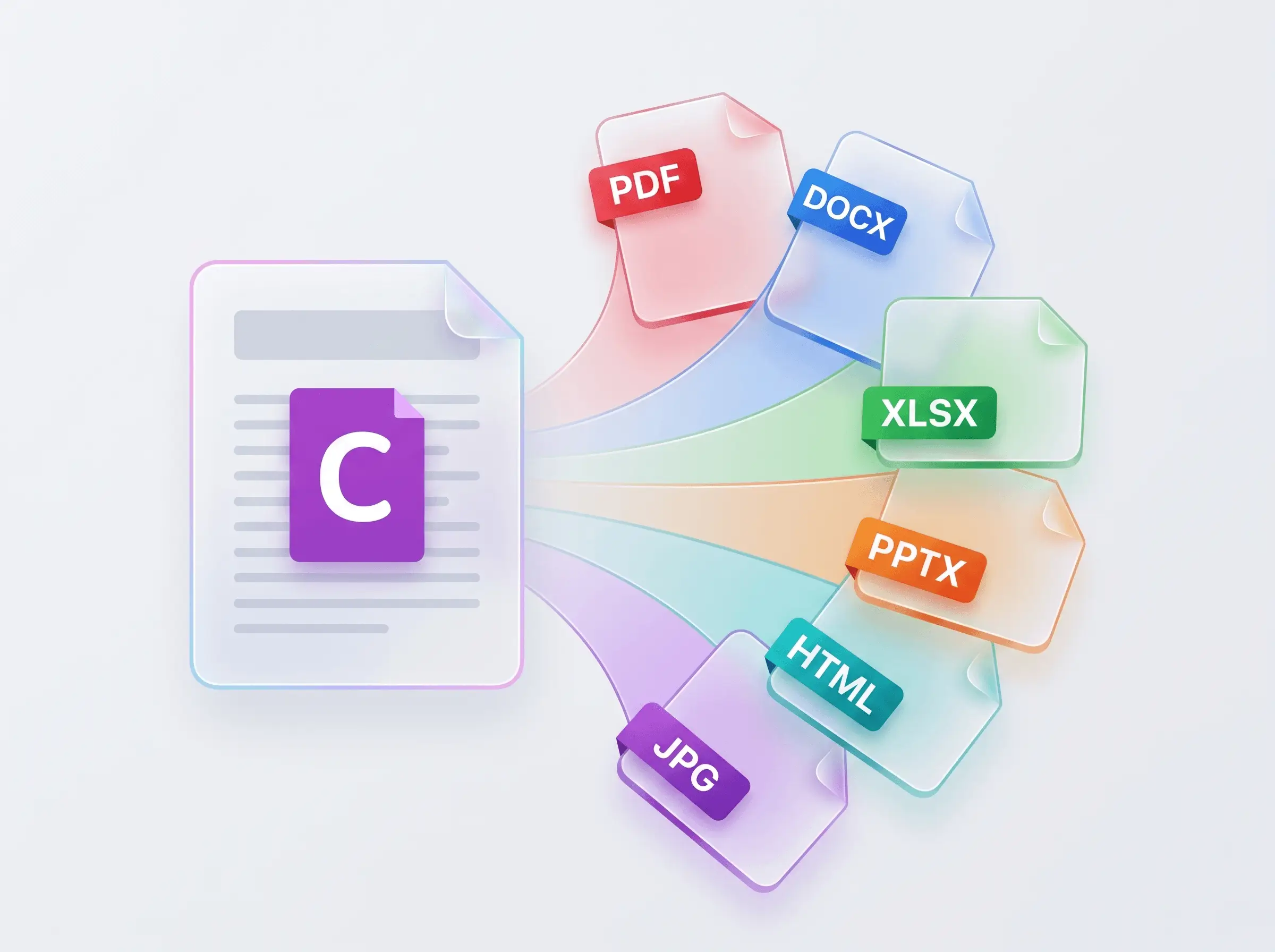
Your template can be a Word document, an Excel sheet, a PowerPoint deck, or an HTML or Markdown file. Carbone renders it and converts to PDF, with 100+ document conversions supported. It is the AI PDF generator that also produces industry-grade, editable Office files.
The same template drives loops, conditions, running totals, dynamic tables, charts and barcodes, and localises to any language, currency and locale, right-to-left included.
Trusted by 800+ paid customers in 40+ countries
















Frequently asked questions
Generating documents with AI and Carbone.
Can AI create Word, Excel or PowerPoint files?
Yes. Claude, ChatGPT or Copilot can write an Office file, but each run redraws the layout, so the result drifts and is not your company template. The reliable way is to let the AI handle the data and let Carbone fill your own template: you get a valid, editable, on-brand DOCX, XLSX or PPTX every time, with working formulas, charts and native formatting.
How do I reduce the AI token cost of generating documents?
Keep the AI out of each document. When an AI writes a document, every page uses tokens or credits, and the cost grows with each document's length and with volume. With Carbone, the template is designed once, by your AI or by anyone on your team. After that, each document is a render billed per document, not per token, and your app generates thousands through the Carbone API without involving the AI at all.
How do I make a PDF from an LLM without hallucinations?
Keep the model away from the layout. The LLM outputs only structured data, and Carbone renders the PDF from a fixed template you control. The wording, branding and legal text live in the template, not the prompt, so the model can't rewrite them, and the same data always gives the same PDF. You can validate the data before rendering.
What is an MCP server for documents?
It is a server that exposes document generation as a tool any AI agent can call through the Model Context Protocol. The Carbone MCP server lets an assistant render a document, convert a file, or manage templates from a natural-language request, and returns the finished PDF or Office file, so agents produce real documents instead of plain text.
Which AI assistants work with Carbone?
Claude, ChatGPT, Copilot, Cursor, Gemini, Mistral Vibe and any assistant that supports MCP or Agent Skills. Install the Carbone Agent Plugin to add the Skill and the MCP server in one step, or connect the remote MCP server on its own.
How do I get the same document every time from AI?
Use a deterministic engine. For the same template and data, Carbone always produces byte-identical output, which is what audit trails, reproducible filings and stable version diffs need. A model asked to redraw the document drifts on every run; a template-based engine does not.
What is the Carbone Skill?
It is an open-source skill that teaches an AI the Carbone templating language: tags, loops, conditions, formatters and validation. With it, an assistant writes correct templates on the first try and can fix or migrate existing ones, so you move from filling templates to building them just by describing what you want.
Can AI generate documents in multiple languages?
Yes. One Carbone template renders in any language, currency and locale, including right-to-left scripts: dates, numbers and currencies follow the locale, and the text uses your translations. The AI sends the data once and Carbone localises the same document for every market, so one template and one dataset become dozens of correctly formatted files.
How do I automate document generation?
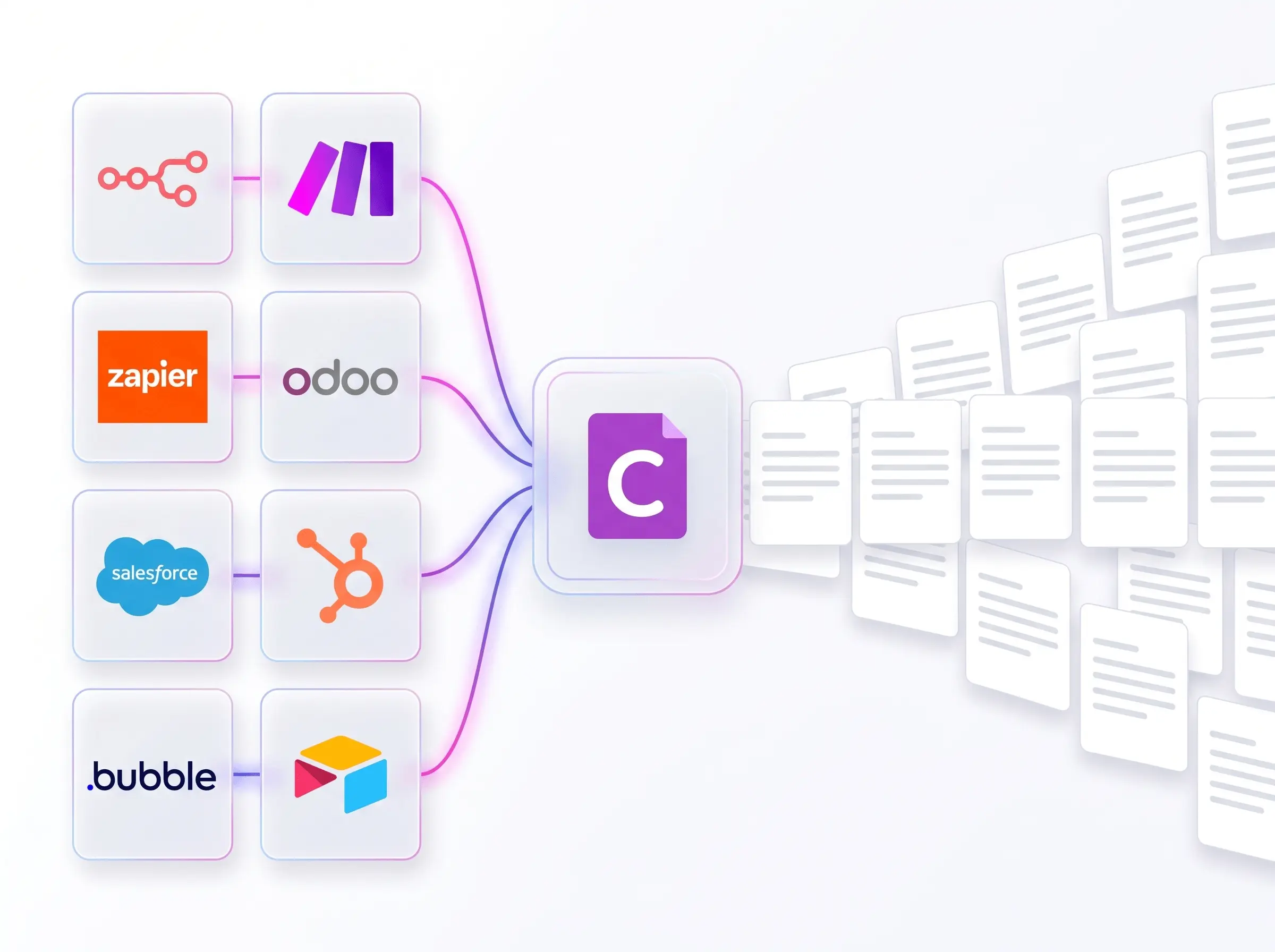
Design the template once, then connect Carbone to your stack: your own app or REST API, an AI agent through the MCP server, no-code tools like Make, n8n and Zapier, or a CRM such as HubSpot, Salesforce or Odoo. Carbone is document automation software that produces every document from your data automatically, from one file to millions.
Can an AI create an invoice or a contract?
Yes. With the Carbone Skill and MCP server your assistant works as an AI invoice generator, contract generator or report generator: it structures the data and writes the template tags, and Carbone produces the final, on-brand PDF or Office file. The legal wording and layout stay in a template you control, so the AI never rewrites them.
Still have a question? Chat with us.