
Document Conversion API
Effortlessly convert your documents into over 100 formats with Carbone's automated management of multiple document converters.
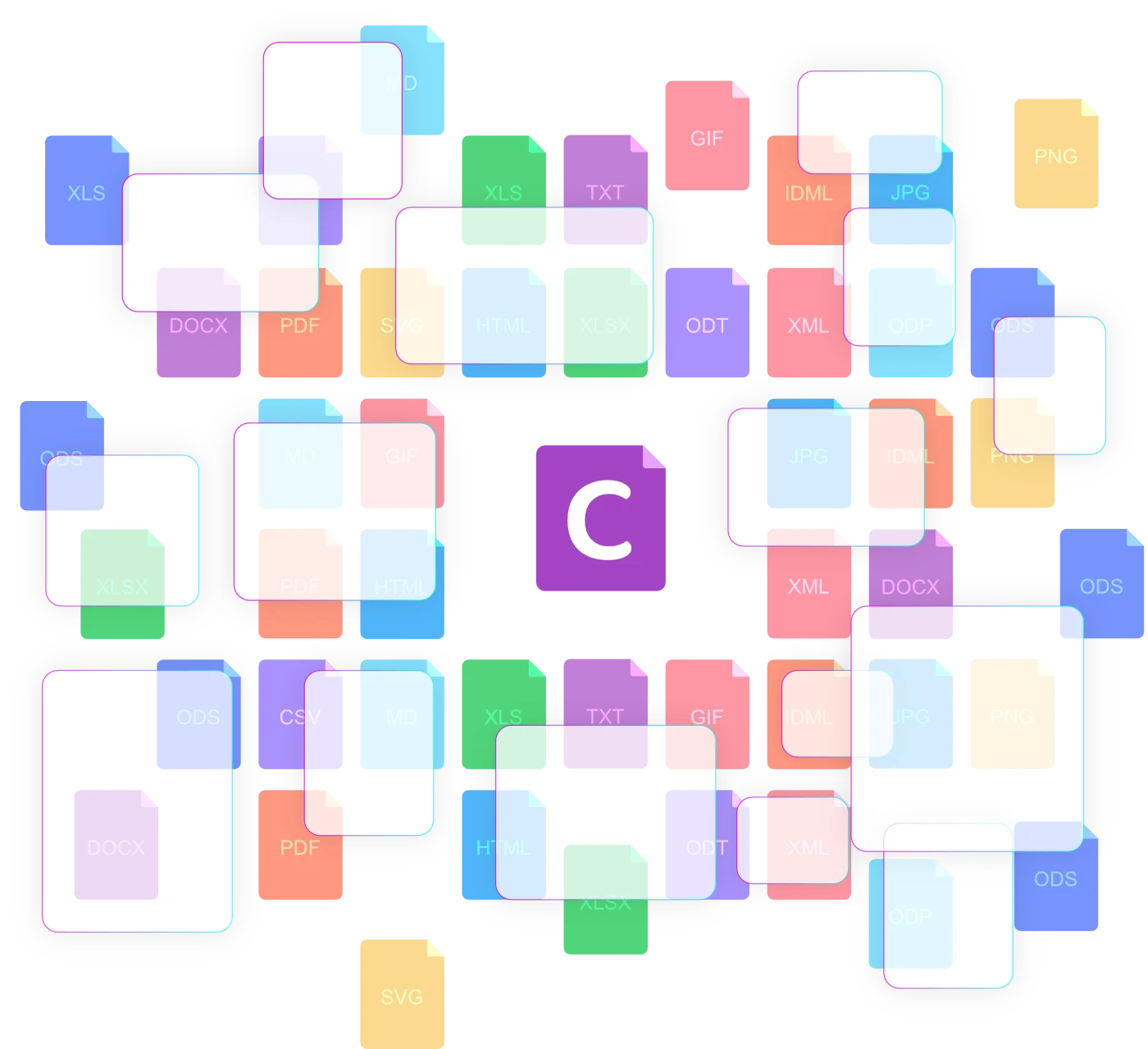
One unified document conversion API for 100+ formats
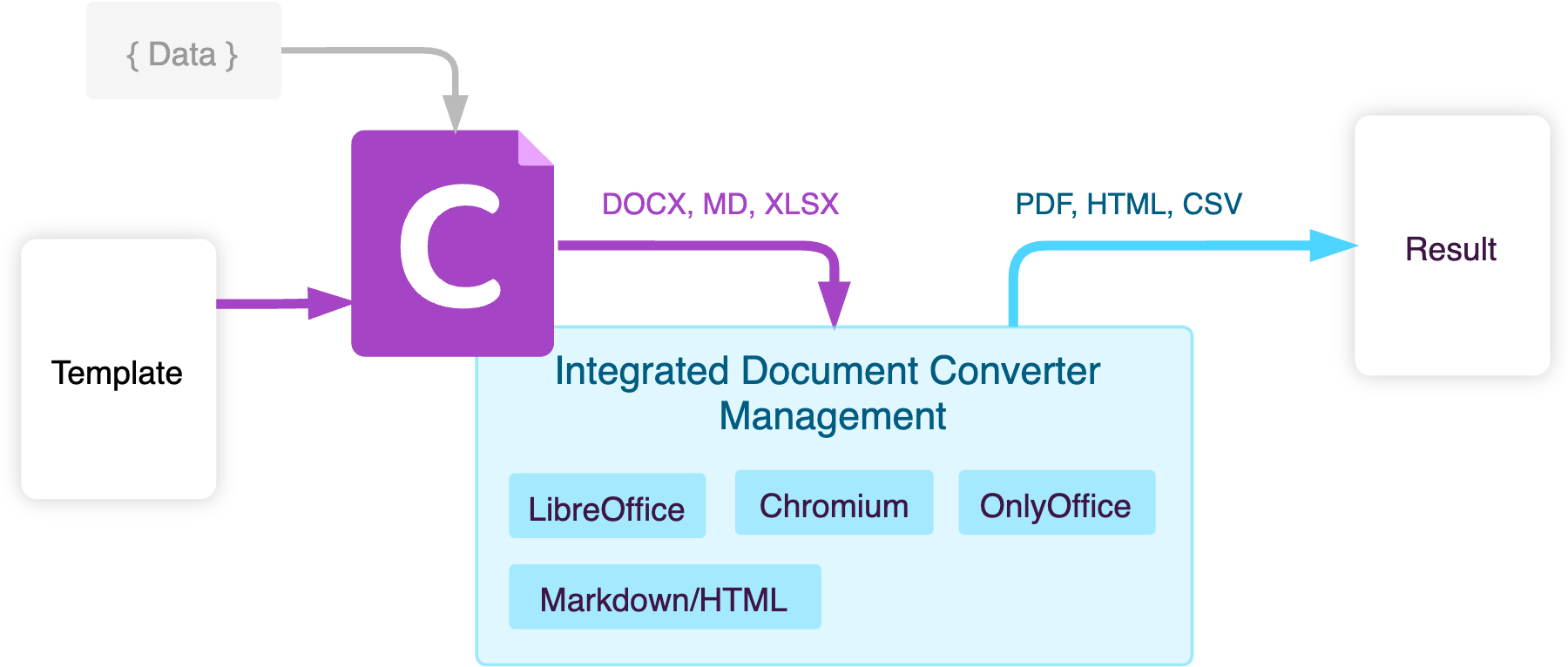
Besides generating documents, Carbone is also a document conversion API: convert Word, Excel, PowerPoint, HTML and Markdown to PDF, and between 100+ formats, in a single API call, whether it's DOCX to PDF or Markdown to HTML.
Carbone is compatible with leading document converter tools:
- LibreOffice
- OnlyOffice
- Chromium
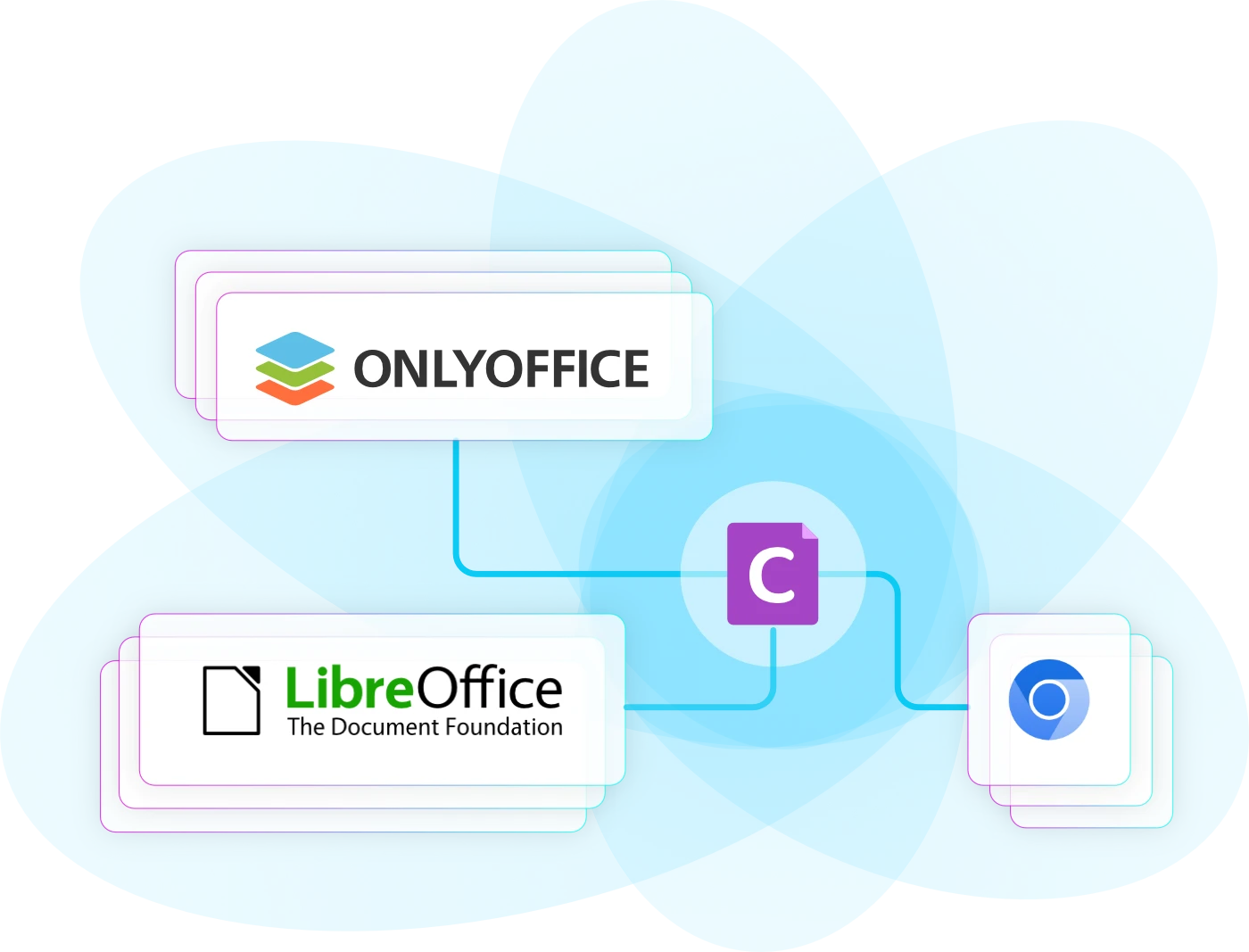
Managed document conversion, no LibreOffice or Gotenberg to run
Managing external conversion tools is complex and time-consuming, even with the well-known Gotenberg docker image. Compare Carbone vs Gotenberg →
Carbone makes it easy, combining expertise built since 2014 with a streamlined solution:
- Smart Job Management: Balances tasks across threads and prioritizes jobs effectively.
- Optimized Performance : Automatically tunes LibreOffice, Chromium, and OnlyOffice for efficiency. See benchmark results →
- Enhanced Security : Removes macros, follows ANSSI and BSI security guidelines, and controls outgoing network traffic.
- Reliable Stability : Monitors and restarts processes to handle memory leaks.
- Complete Control : Limits conversion times and allows task cancellations.
- Free to use: self-host with the Carbone Docker image, or start on the Carbone Cloud free plan.
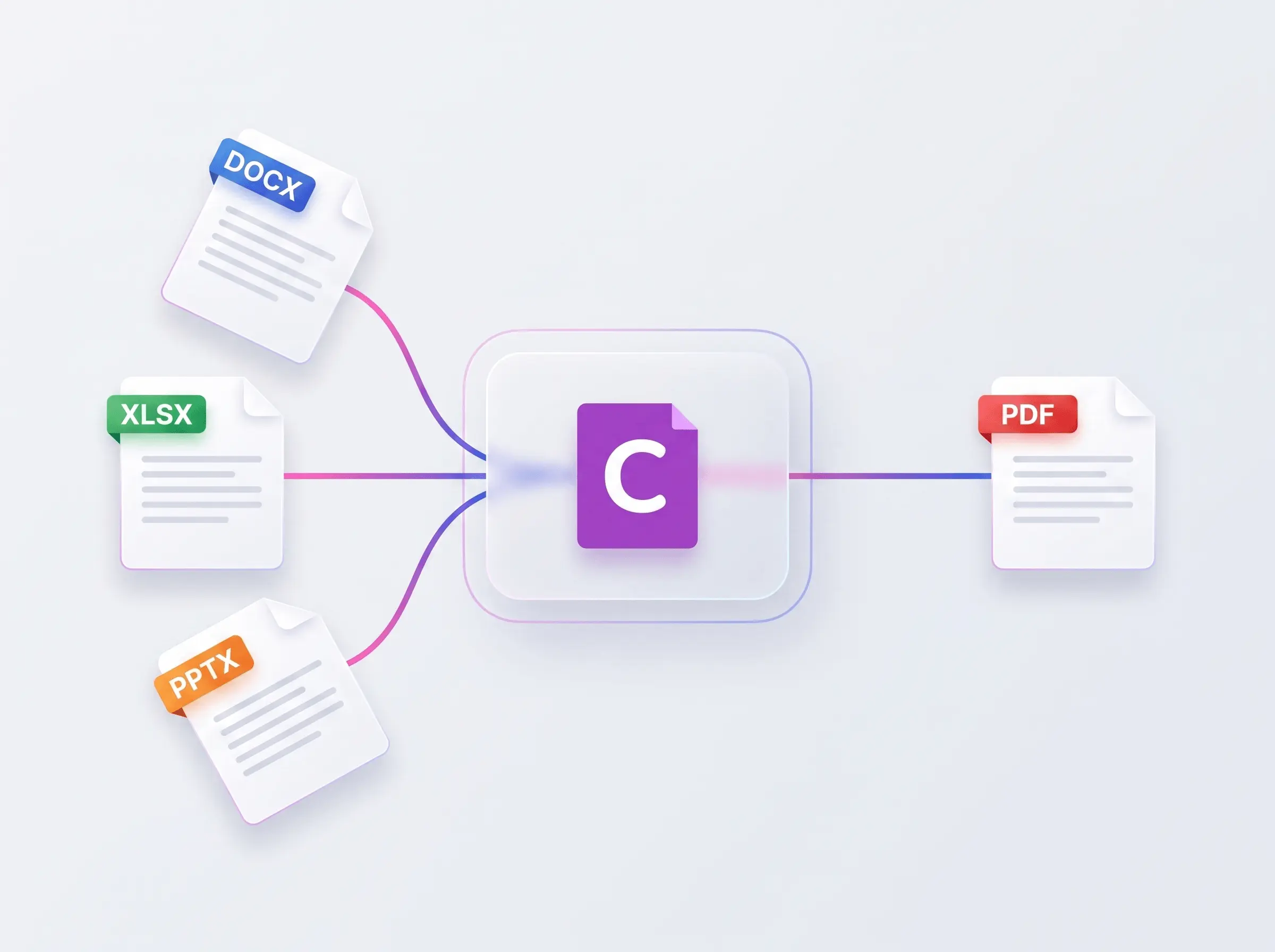
Office to PDF API
Convert Word, Excel and PowerPoint to pixel-perfect PDF in a single API call. Carbone drives LibreOffice, OnlyOffice and Chromium and picks the best engine per format, so DOCX, XLSX and PPTX keep their fonts, page breaks and native formatting.
- DOCX to PDF, XLSX to PDF and PPTX to PDF, plus ODT, ODS, ODP and Office-to-Office.
- Large documents, handled: multi-threaded conversion stays fast even for very large files of thousands of pages.
- More than conversion: the same DOCX, XLSX or PPTX can double as a universal template, so you inject JSON data and render a filled PDF in the same call.
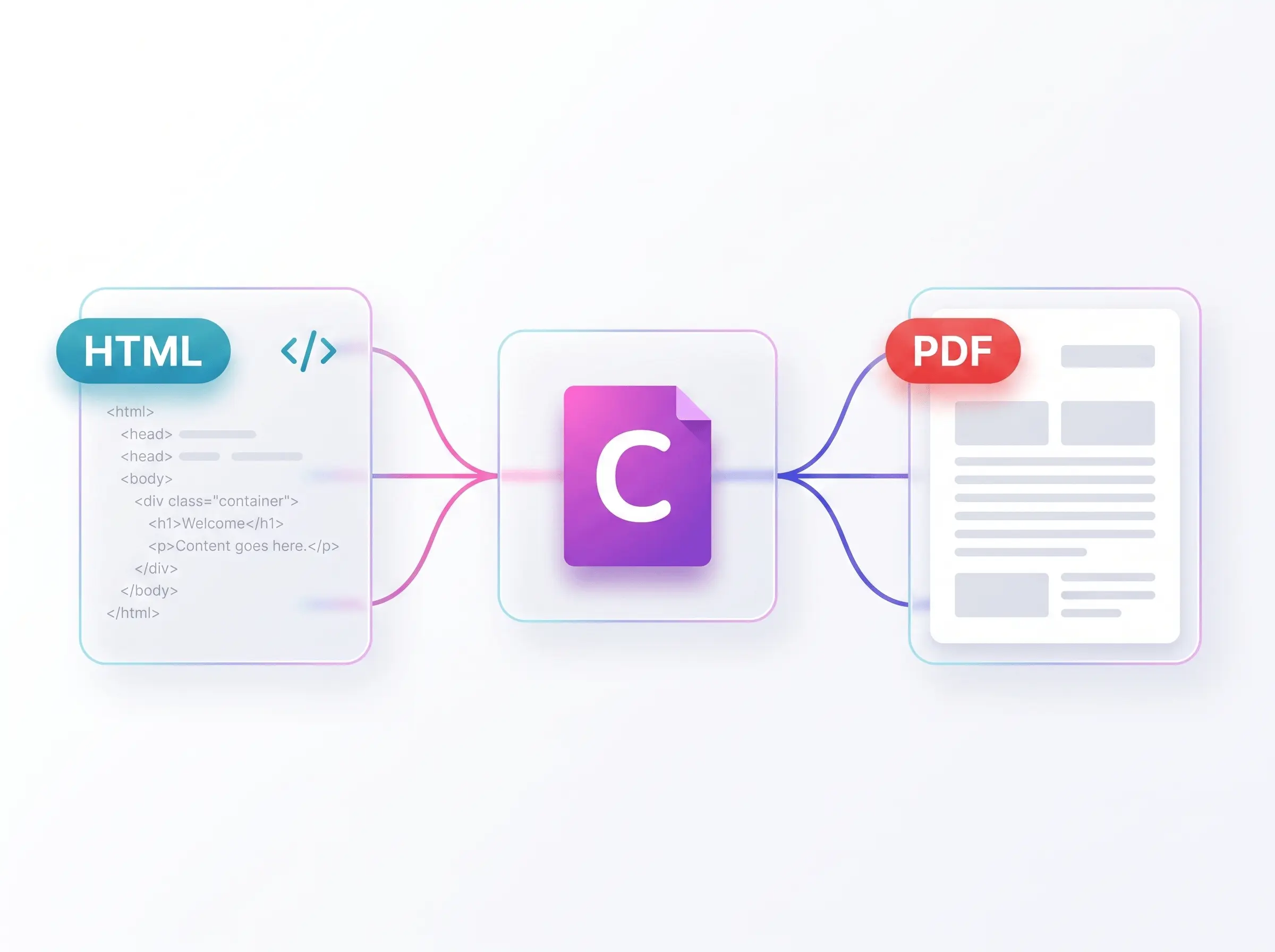
HTML to PDF API
Turn HTML or a live URL into a print-ready PDF with full CSS print support. Carbone's managed Chromium engine handles page breaks, running headers and footers, watermarks and encryption.
- Drop-in replacement for Gotenberg, Puppeteer, Playwright or wkhtmltopdf, with no browser orchestration, render queue or crash handling to maintain. See the Gotenberg migration guide.
- Pixel-perfect CSS fidelity, ideal for web-based templates and invoices.
- Templating built in: use the same HTML as a universal template, inject your data with Carbone tags, then convert.
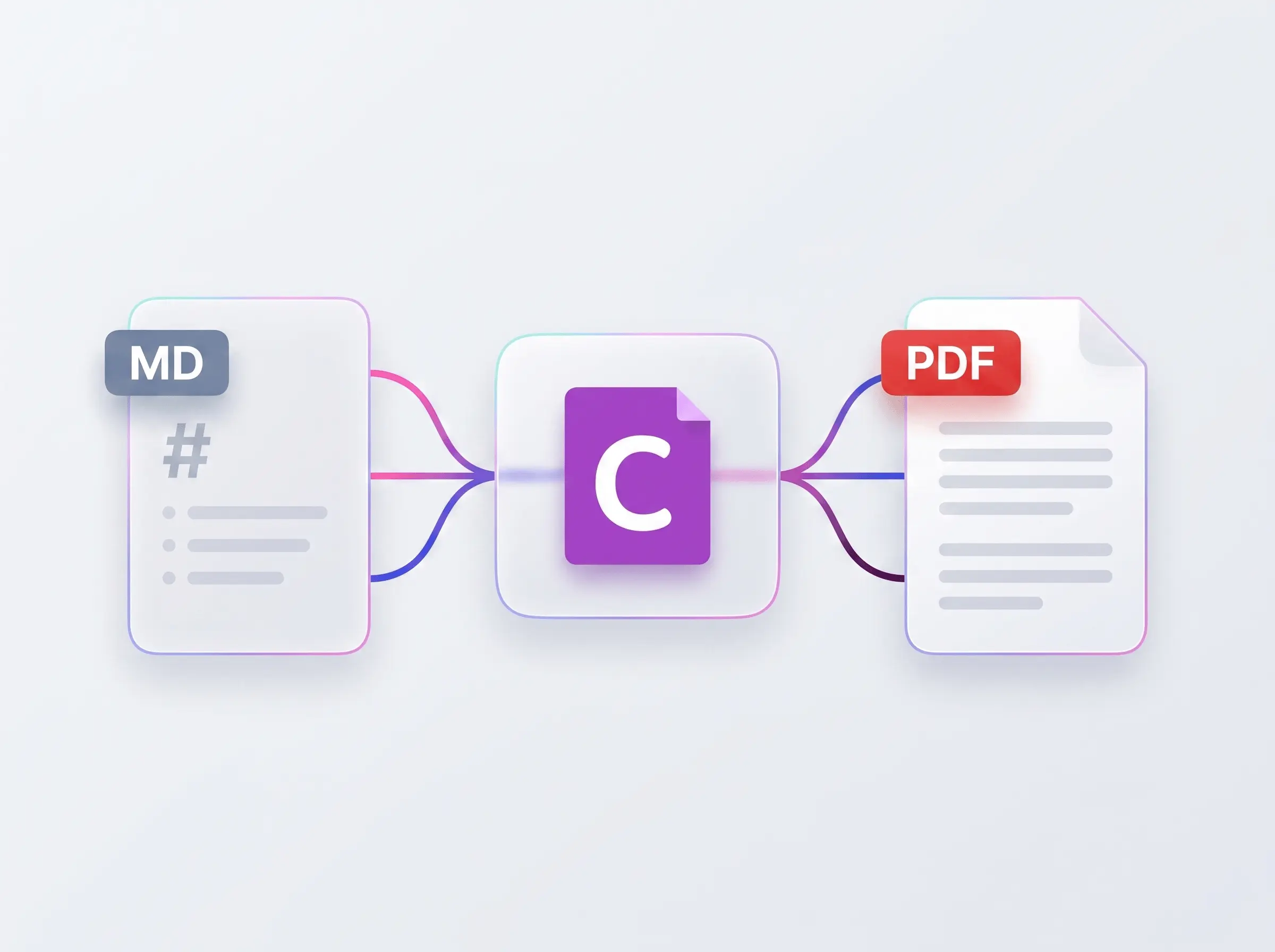
Markdown to PDF API
Convert Markdown straight to PDF, DOCX or HTML. Attach a DOCX or ODT style reference and your Markdown inherits the branding, fonts and layout automatically.
- One step from Markdown to a branded, print-ready document, with no manual styling.
- Deterministic output: the same Markdown and style always produce the same file, ideal for documentation pipelines and AI-generated content.
- Templating built in: add Carbone tags to your Markdown to use it as a universal template and inject data before converting.
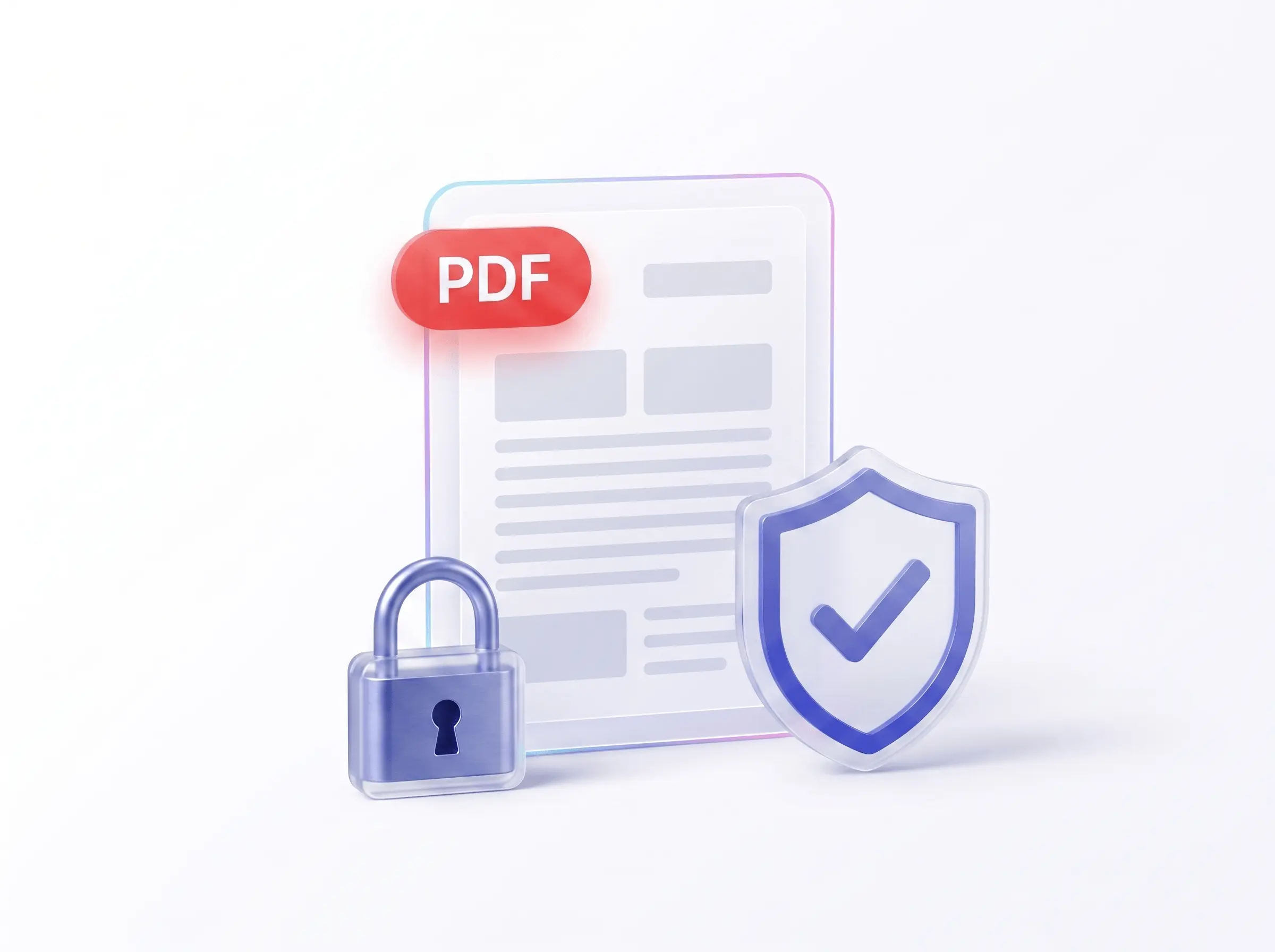
Secure & compliant PDF API
Re-export any PDF with the controls regulated workflows need, all in one call:
- Password protection & encryption: lock a PDF with a document-open password.
- PDF/A-1, -2, -3 and -4 for long-term archival, and PDF/UA tags for accessibility.
- Factur-X / ZUGFeRD e-invoicing: PDF/A-3 with embedded XML for compliant electronic invoices.
- Watermarks, print permissions, page-range selection and compression, with no extra libraries or per-developer licensing fees.
Trusted by 800+ paid customers in 40+ countries
















Frequently asked questions
Converting documents with the Carbone API.
How do I convert a Word document to PDF with an API?
Send your DOCX (or a Carbone template) to the Carbone API with convertTo: "pdf" and you get back a pixel-perfect PDF. Carbone runs LibreOffice, OnlyOffice or Chromium for you and keeps fonts, page breaks and formatting intact, with no converter to install or maintain.
Can I convert HTML to PDF through an API?
Yes. Carbone's HTML to PDF API uses Chromium under the hood, with full CSS print support: page breaks, running headers and footers, watermarks and encryption. Send HTML (or an HTML or Markdown template) and receive a clean, print-ready PDF.
How do I convert Markdown to PDF?
Provide a Markdown file and set the output to PDF. Carbone converts Markdown to PDF, DOCX or HTML, and you can attach a DOCX or ODT style reference so the result inherits your branding.
Which document formats can Carbone convert?
Carbone converts between 100+ formats: Office (DOCX, XLSX, PPTX, ODT, ODS, ODP, RTF, CSV), PDF and PDF variants (PDF/A for archival, PDF/UA for accessibility), web (HTML, Markdown) and images (JPG, PNG, WebP, SVG). See the full conversion matrix in the API documentation.
Can I generate a PDF/A or an accessible PDF (PDF/UA)?
Yes. Carbone emits PDF/A-1, PDF/A-2, PDF/A-3 and PDF/A-4 for long-term archival (ISO 19005) and tags PDFs for PDF/UA accessibility (ISO 14289). Both are set per request through PDF options, with no extra tooling.
How do I password-protect or encrypt a generated PDF?
Enable EncryptFile and set a DocumentOpenPassword in the conversion options, and Carbone returns an encrypted, password-protected PDF. You can combine it with watermarks, print permissions and compression in the same API call.
Do I need to install and run LibreOffice or Gotenberg myself?
No. Carbone manages LibreOffice, OnlyOffice and Chromium for you: thread balancing, security hardening (ANSSI and BSI guidelines), timeouts and automatic restarts. One API, or one self-hosted binary, replaces a whole stack of converters. Coming from Gotenberg? Read the Carbone vs Gotenberg comparison.
Can I self-host the document conversion API?
Yes. Carbone is vendor-neutral and self-hostable, on Cloud, on-premise, or an EU-sovereign deployment, so your documents never have to leave your own infrastructure.
Still have a question? Chat with us.