Flight ticket
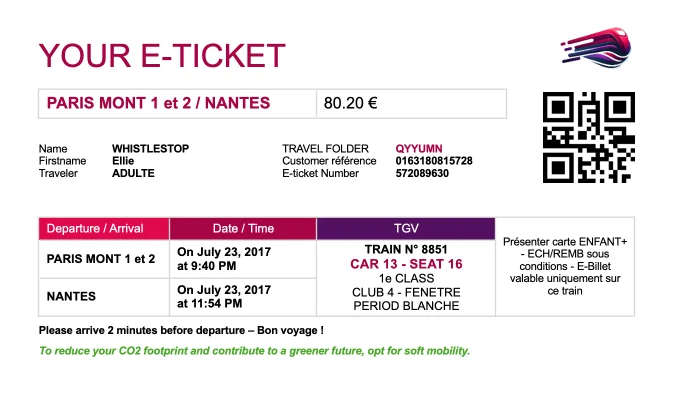
Generate flight tickets and boarding passes with Carbone
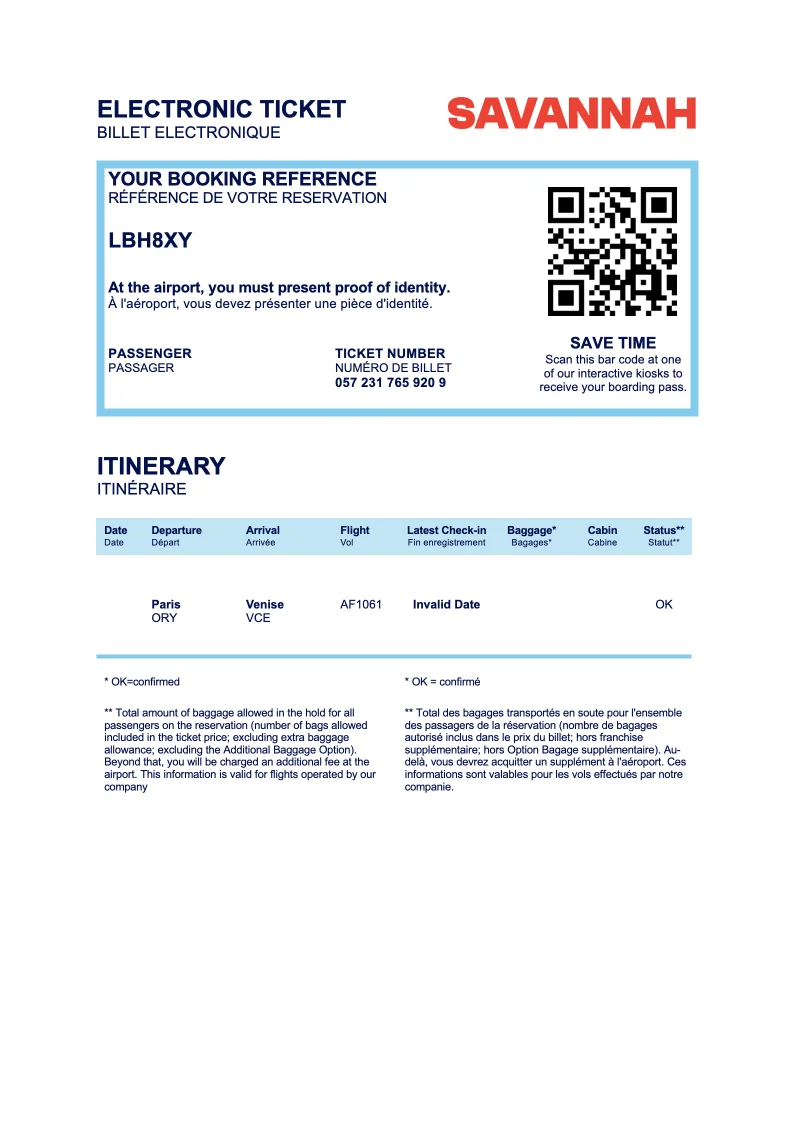
- Template type document docx simple
- Carbone min. v4.0.0+
- Features loop barcode date image
- Target ticket access control badge transport
Overview
This example demonstrates how to generate professional e-tickets using Carbone. You'll learn to create a template that includes:
- Professional layout design
- Formatted dates and times
- QR code for digital verification
- Structured data presentation
Step-by-Step Guide
Follow these steps to create your e-ticket template:
1. Create the Layout Structure
- Design your template using tables for consistent alignment
- Insert Carbone tags in appropriate locations
- Apply professional formatting (fonts, spacing, alignment)
Tip: Pay attention to cell alignment for optimal visual presentation
2. Add QR Code Support
Add a QR code placeholder using the :barcode formatter:
- Insert an image placeholder
- Set the Alt Text property with this syntax:
{d.bookingURL:barcode(qrcode)}
3. Format Dates and Times
Use the :formatD formatter to display dates and times professionally:
{d.it[i].depDate:formatD(MM/DD)}
{d.it[i].arrDate:formatD('hh:mm A')}Tip: Add spaces within Carbone tags to improve readability and ensure proper text wrapping
4. Enable Data Iteration
To process multiple tickets or entries:
- Add an iteration marker on a new row
- Use the syntax:
{d.it[i+1]}
This allows you to generate multiple tickets from a single data source.
Related Examples
Explore more examples to enhance your document generation skills:
Trusted by 800+ paid customers in 40+ countries
Finance
Healthcare
Insurance
Legal
Public
Retail
Energy
Software
Telecom