PDF Forms
Generate Professional PDF Forms with Carbone
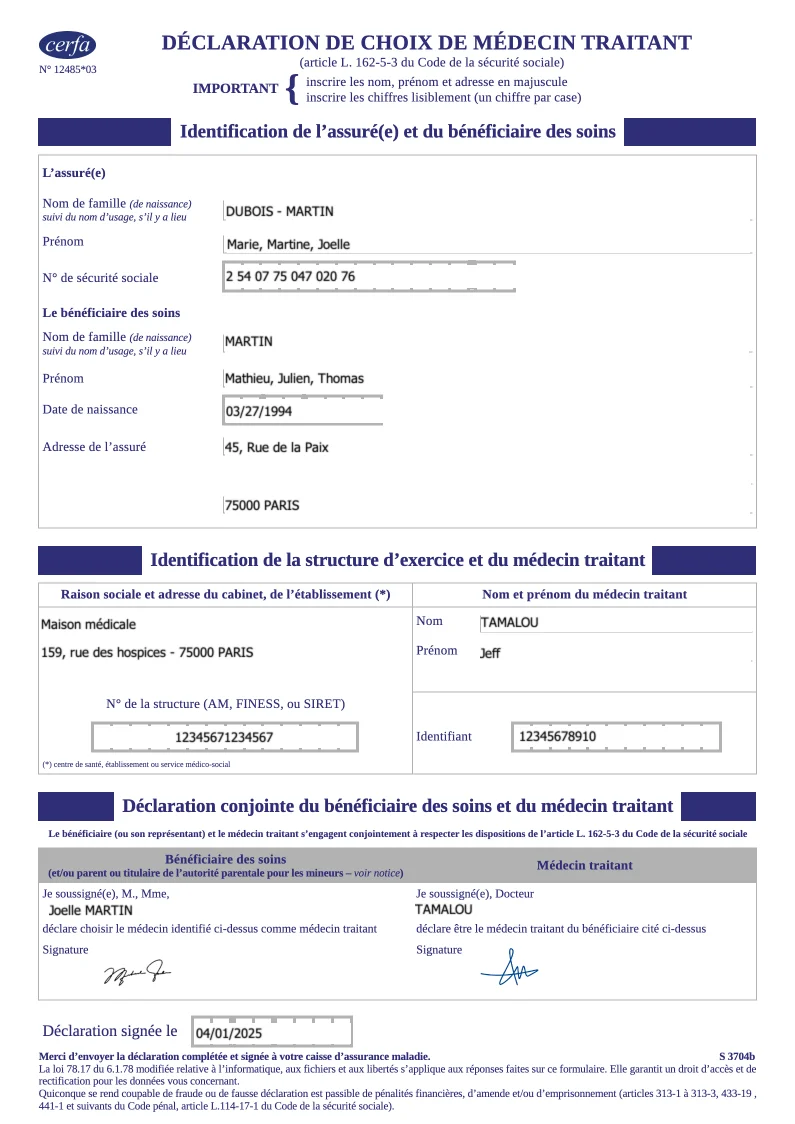
- Template type document odt simple
- Carbone min. v4.0.0+
- Features pdf form checkbox
- Target form
Overview
Learn how to generate professional PDF forms with dynamic input fields using Carbone. This example demonstrates how to:
- Create forms with text input fields
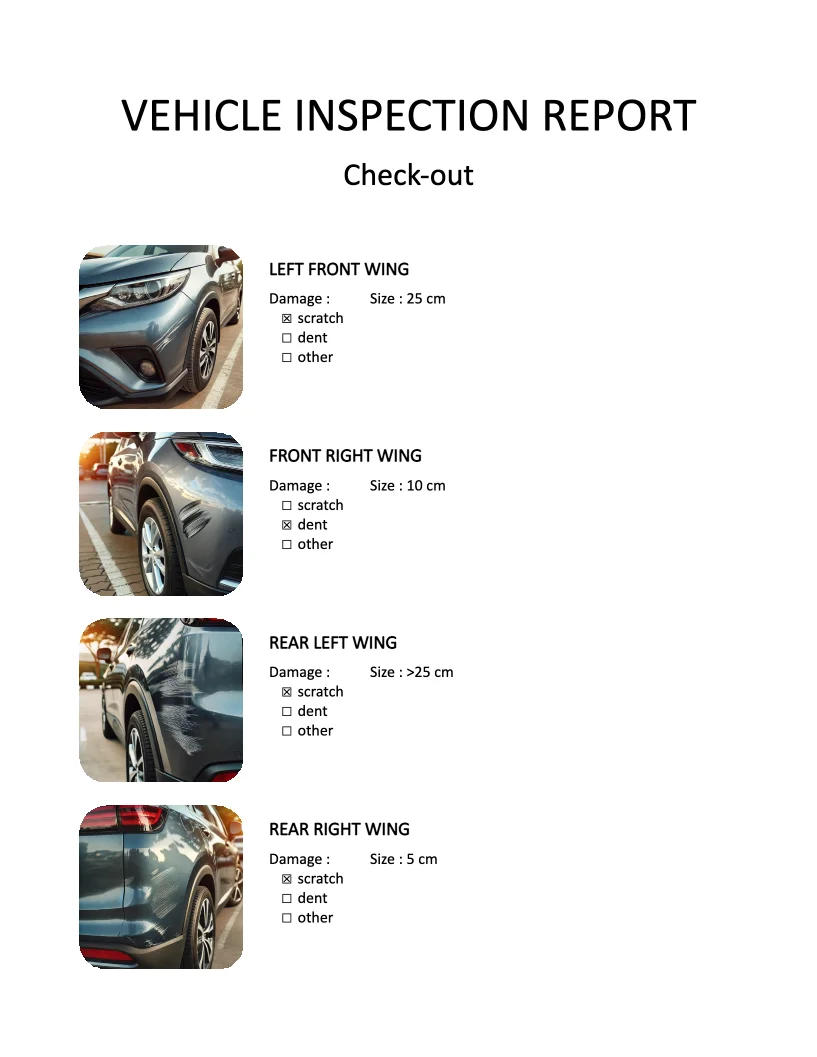
- Add interactive checkboxes
- Generate PDF forms from ODT templates
Step-by-Step Guide
1. Design Your Form Template
- Create a new ODT document
- Design your form layout (using tables for precise alignment)
2. Insert Form elements
- Add dynamic text fields
- Insert interactive checkboxes
Technical Tips for Better Layout
Remove Text Box Borders:
- Right-click on the text box
- Select Control Properties
- Navigate to the General tab
- Find the Border section
- Choose Without frame
Checkbox Configuration: When using checkboxes, avoid copying and pasting them unless you assign a unique Label to each one.
Related Examples
Trusted by 800+ paid customers in 40+ countries
Finance
Healthcare
Insurance
Legal
Public
Retail
Energy
Software
Telecom