Automation of Quotes
Generate PDF Quotations including datasheet with Carbone
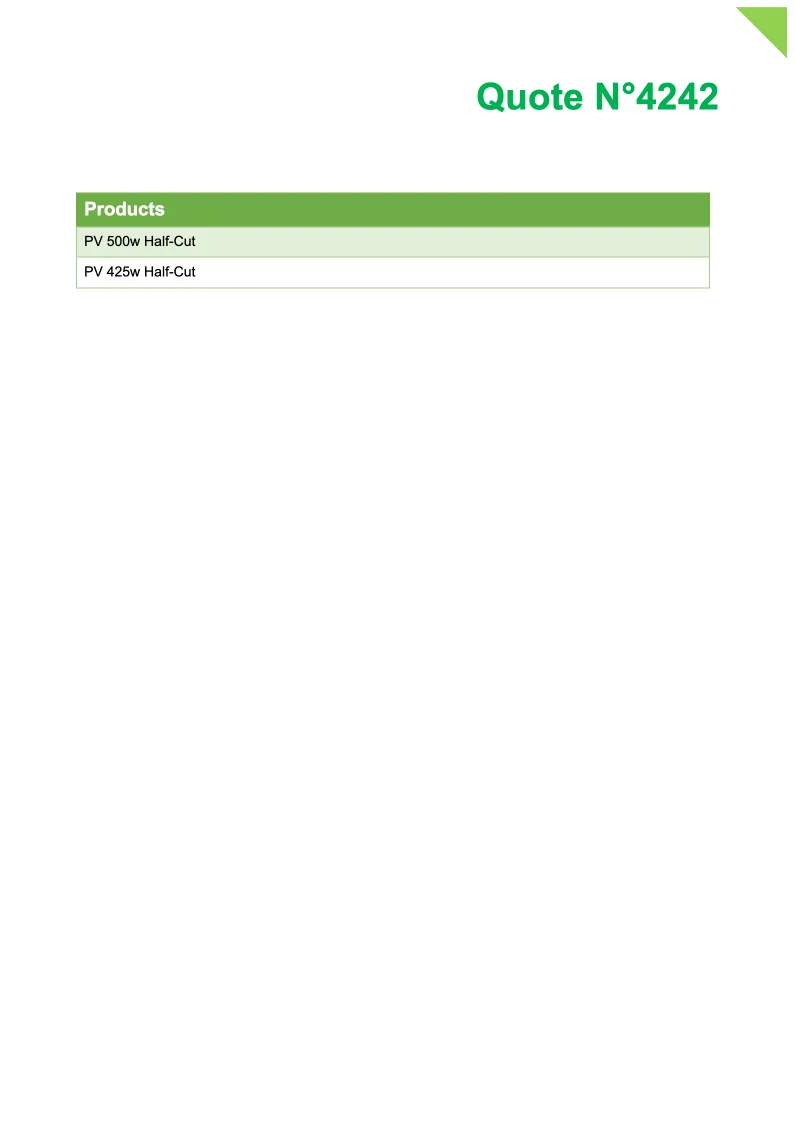
- Template type document docx simple
- Carbone min. v5.0.0+
- Features table loop attached files
- Target quote contract custom
Overview
Learn how to generate professional quotes with these key features:
- Perform automatic price calculations
- Automatically attach supporting documents (like datasheets) to your quotes
- Create clean, professional-looking documents
Step-by-Step Guide
Follow these steps to create automated quotes with file attachments using Carbone:
1. Create the Layout Structure
You can start by inserting a main table in your document. This table will serve as the layout framework, allowing you to organize and control the positioning of elements
2. Implement Automatic Calculations
Add these calculations to automate pricing:
Calculate subtotals (quantity × unit price):
{d.products[i].quantity:mul(.price)}Calculate the total sum of all items:
{d.products[].quantity:mul(.price):aggSum}Format currency values properly:
{d.products[i].quantity:mul(.price):formatC}Store calculations for later use:
{d.products[].quantity:mul(.price):aggSum:set(c.subtotal)}
{d.products[].quantity:mul(.price):aggSum:mul(0.2):set(c.taxes)}
You can then reference stored values in other calculations:
{c.taxes:add(.subtotal):formatC}3. Attach Files to Your Document
Use the :appendFile formatter to automatically attach files to your generated document. Simply reference the file's URL in your template:
{d.products[i].datasheet:appendFile}Related Examples
Check out these similar templates to learn more:
Trusted by 800+ paid customers in 40+ countries